true
false
Your photos have been archived, which may delay your order processing time. More Info

Canvas prints

Shop by type
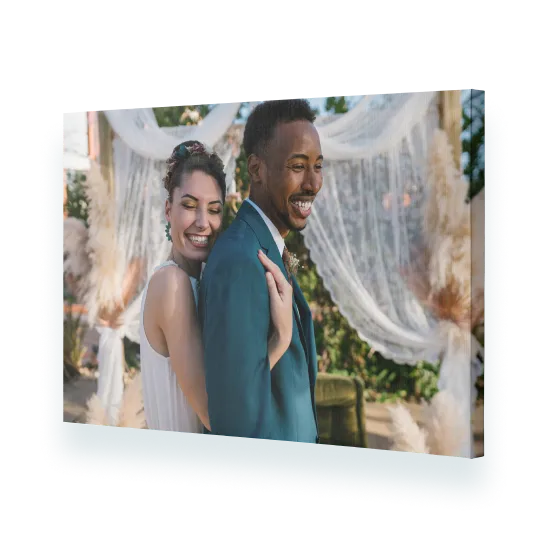
Canvas prints

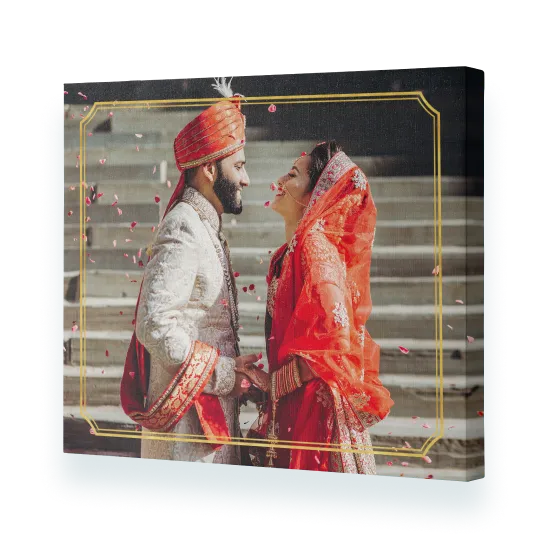
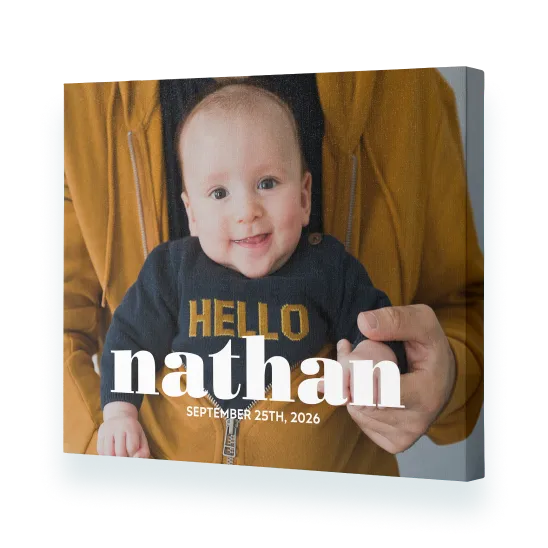
Printed on poly cotton satin canvas and wrapped around a sturdy timber frame.

From Regular Price $54.95 Sale Price $13.74
Shop now
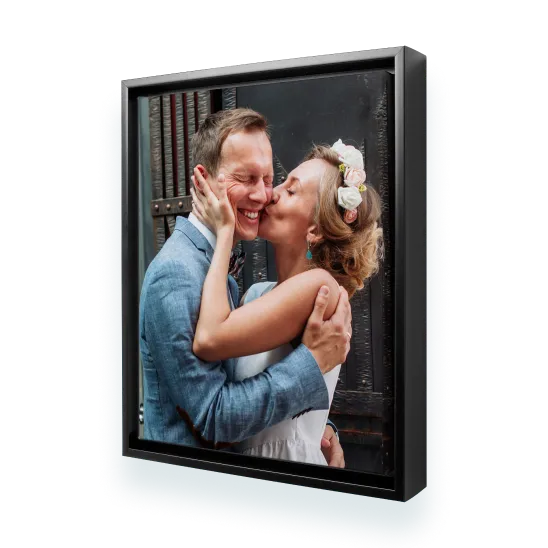
Framed canvas

Printed on poly cotton satin canvas and surrounded by a beautiful black solid-wood floating frame.

From Regular Price $149.00 Sale Price $37.25
Shop now
Premium canvas prints

Printed on 100% cotton satin canvas, wrapped around a sturdy timber frame and finished with a black material backing.

From Regular Price $89.95 Sale Price $22.49
Shop now
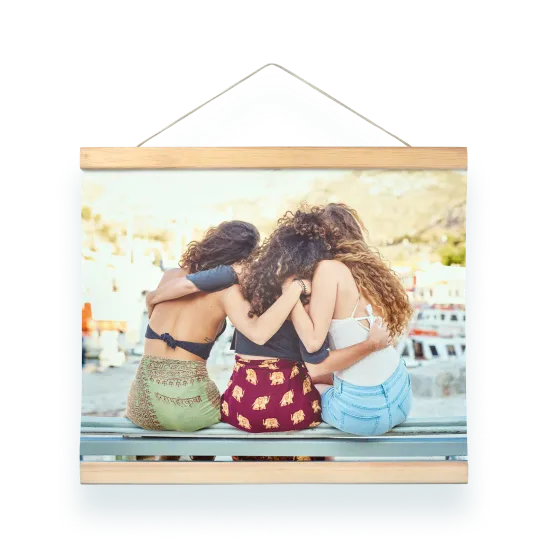
Hanging canvas prints
From Regular Price $89.95 Sale Price $22.49
Shop now
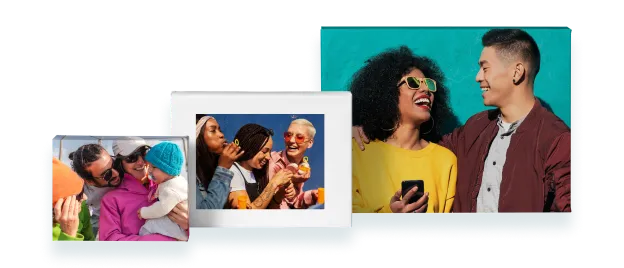
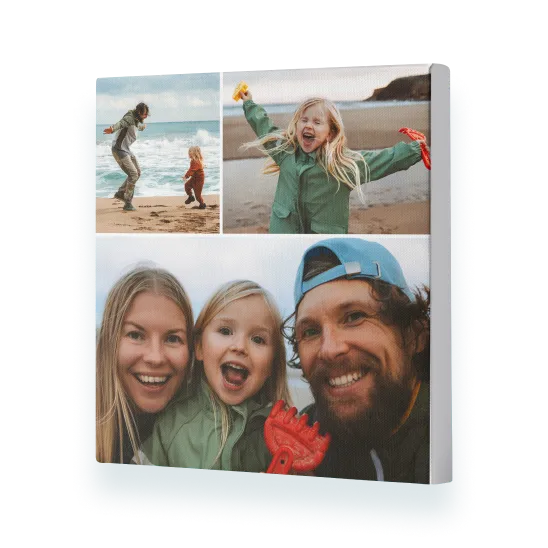
Collage canvas prints
From Regular Price $89.95 Sale Price $22.49
Shop now
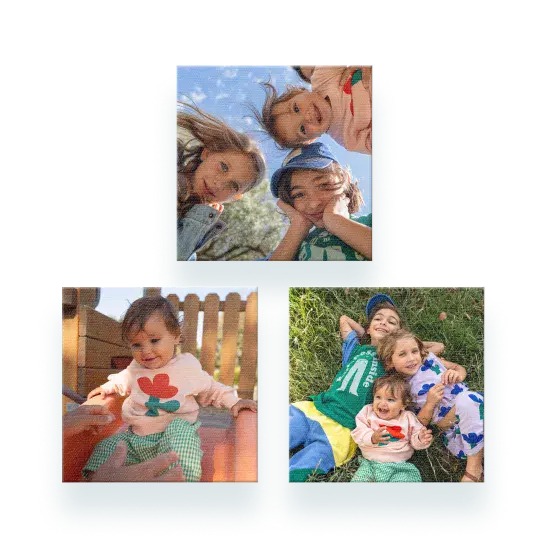
Canvas Print Sets
From Regular Price $174.95 Sale Price $43.74
Shop now
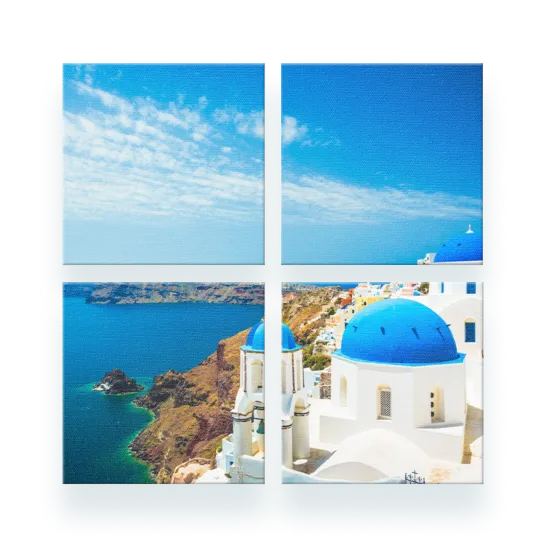
Split canvas prints
From Regular Price $204.95 Sale Price $51.24
Shop now

Shop by design

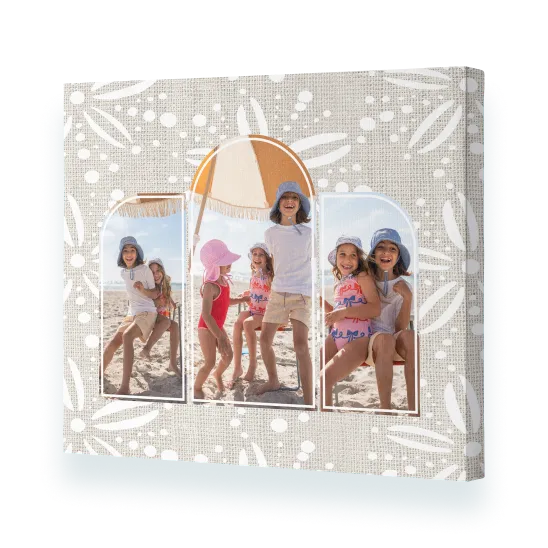
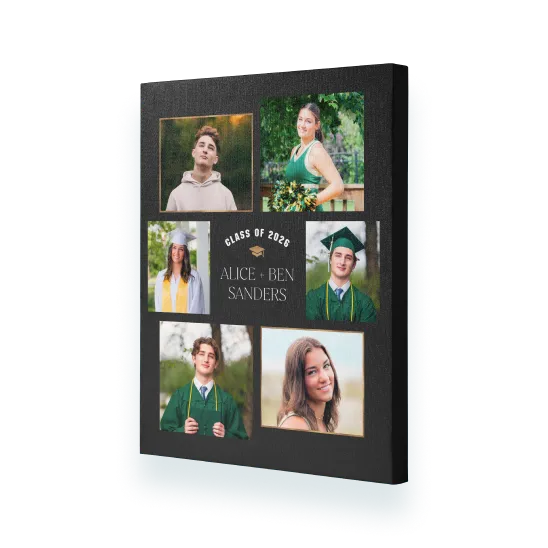
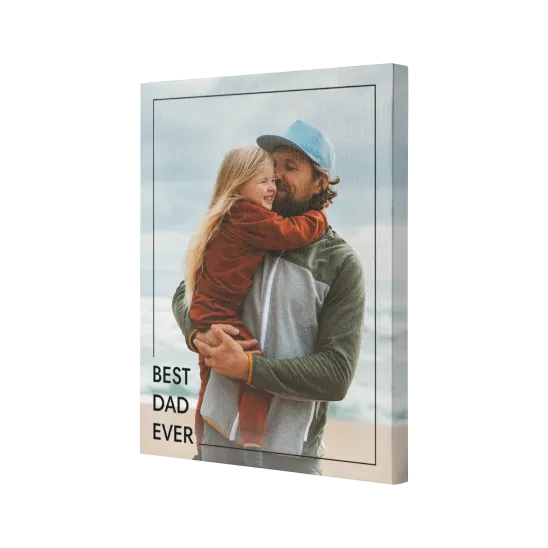
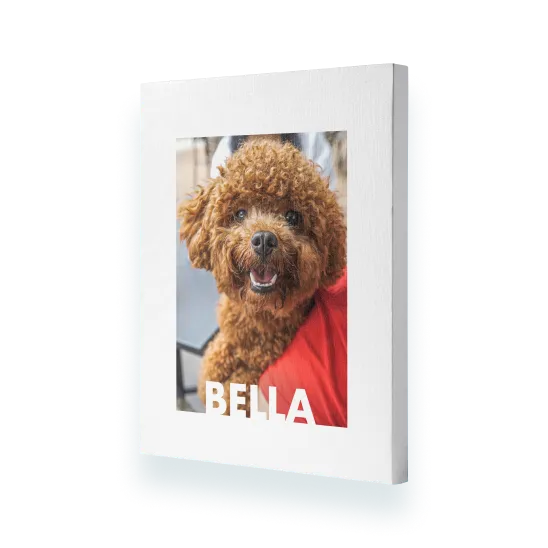
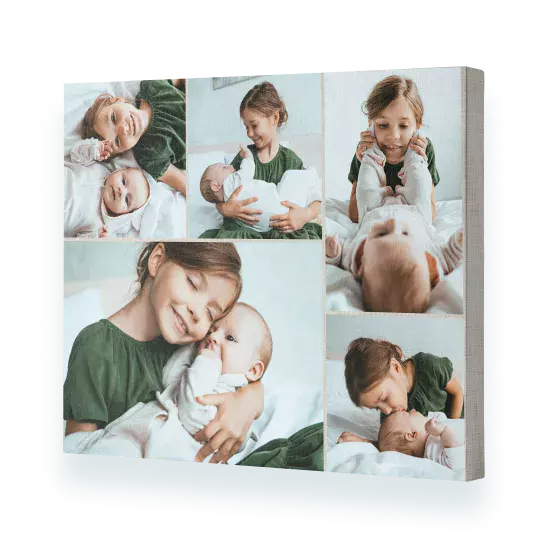
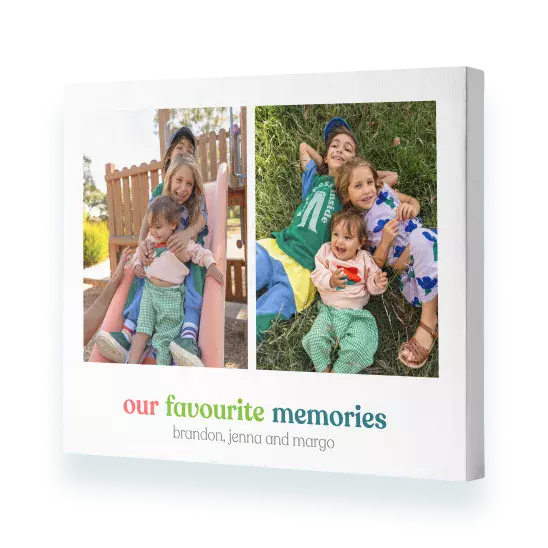
Transform your photos into works of art using a pre-made design or design your own for a unique look.
About our canvas prints

Create a personalised, high-quality canvas print that’s handcrafted, beautifully finished, and ready to hang.

Frequently asked questions about our canvas prints

FAQs

You can change the orientation of your canvas print once you are in the project builder. Simply click the ‘Orientation’ button which is located on the right-hand side of the canvas print. We would always recommend choosing your orientation before you start designing your photo canvas. If you switch orientation mid-design, your design may alter.

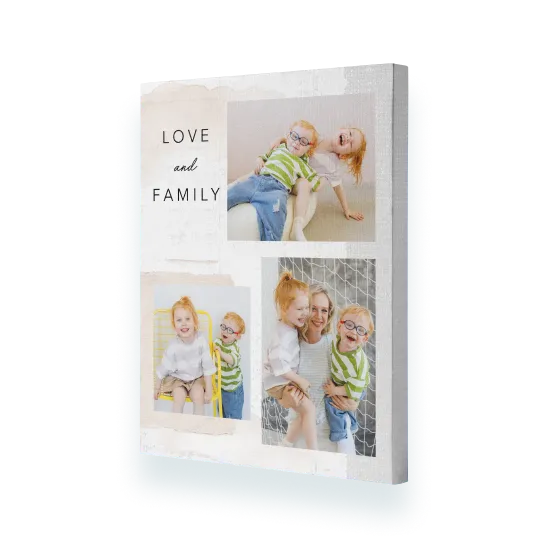
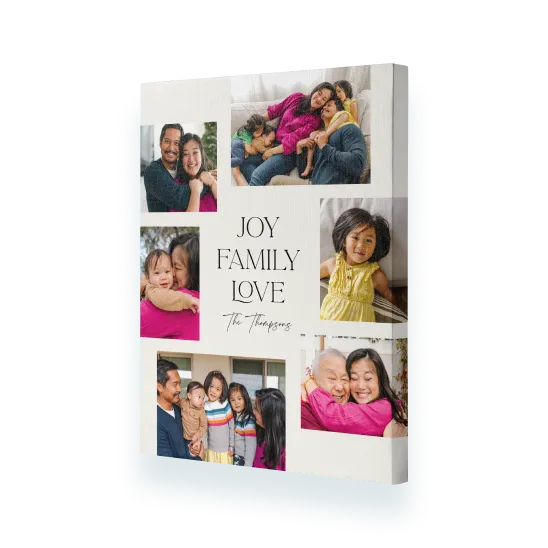
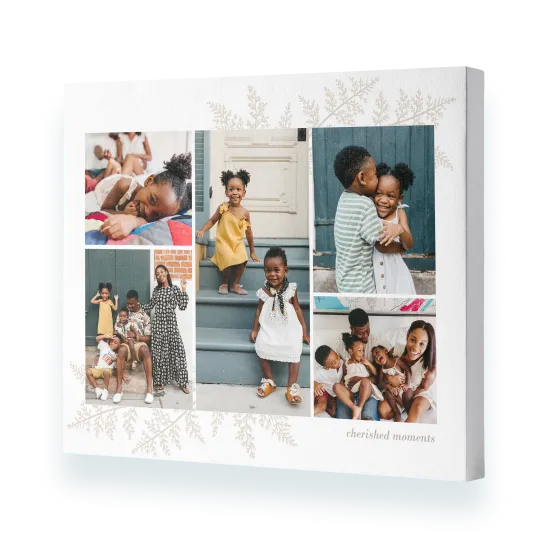
It's easy to create a collage canvas print. Simply select 'Collage' from the Canvas menu, choose a size and click 'Create Now'. Sign in and add photos. The photos will automatically be added to your canvas photo print. Click 'Shuffle' located next to your photo canvas in the builder to change the layout. Alternatively, select 'Design Your Own' and create your own collage design by dragging and dropping photos from the photo well onto the canvas print, and using the ‘Shuffle’ button until you are happy with the layout.

If you want to avoid your photo wrapping around the edge of the canvas print, then opt for a design that doesn't wrap the photo around the edge. Alternatively, select ‘Colour Wrap’ from the 'More Designs' from the left-hand menu in the builder.

The easiest way to create a non-photo canvas print is to start with a single photo design, which you can find in ‘More Designs’ > ‘Photo Wrap’. Select a design. From there you can remove the photo by clicking ‘Shuffle’ and then deleting the ‘Photo Here’ slot using the ‘bin’ icon.

You can add as many photos as you like to your canvas picture print, however we think the fewer photos you add the better, especially on our smaller canvas picture prints.

Yes, Hanging kits are included with all our small canvas photo print. Our large canvas print sizes and Premium canvas ranges are delivered ready to hang, right out of the box.

print page name : canvas-prints

print page url : /store/canvas-prints

dcr path:

isFooterOff : true

isFooterOff1 : false

isItAmazonCobrand : false